
All features
Pipeline Templates
6 system templates with pre-built stages, checklists, folders, and DD groups — auto-applied per deal type.
Why this matters
The old way
Starting from scratch every time
Every new deal means manually setting up folders, checklists, and DD structures. Inconsistent processes across the firm make it impossible to standardize quality.
- Each matter starts from scratch — no consistent structure
- Checklists and folders vary by partner, not by deal type
- No visibility into which stage a deal should be in
- Inconsistent processes make cross-firm collaboration harder
The Lawden way
Pre-built templates for every deal type
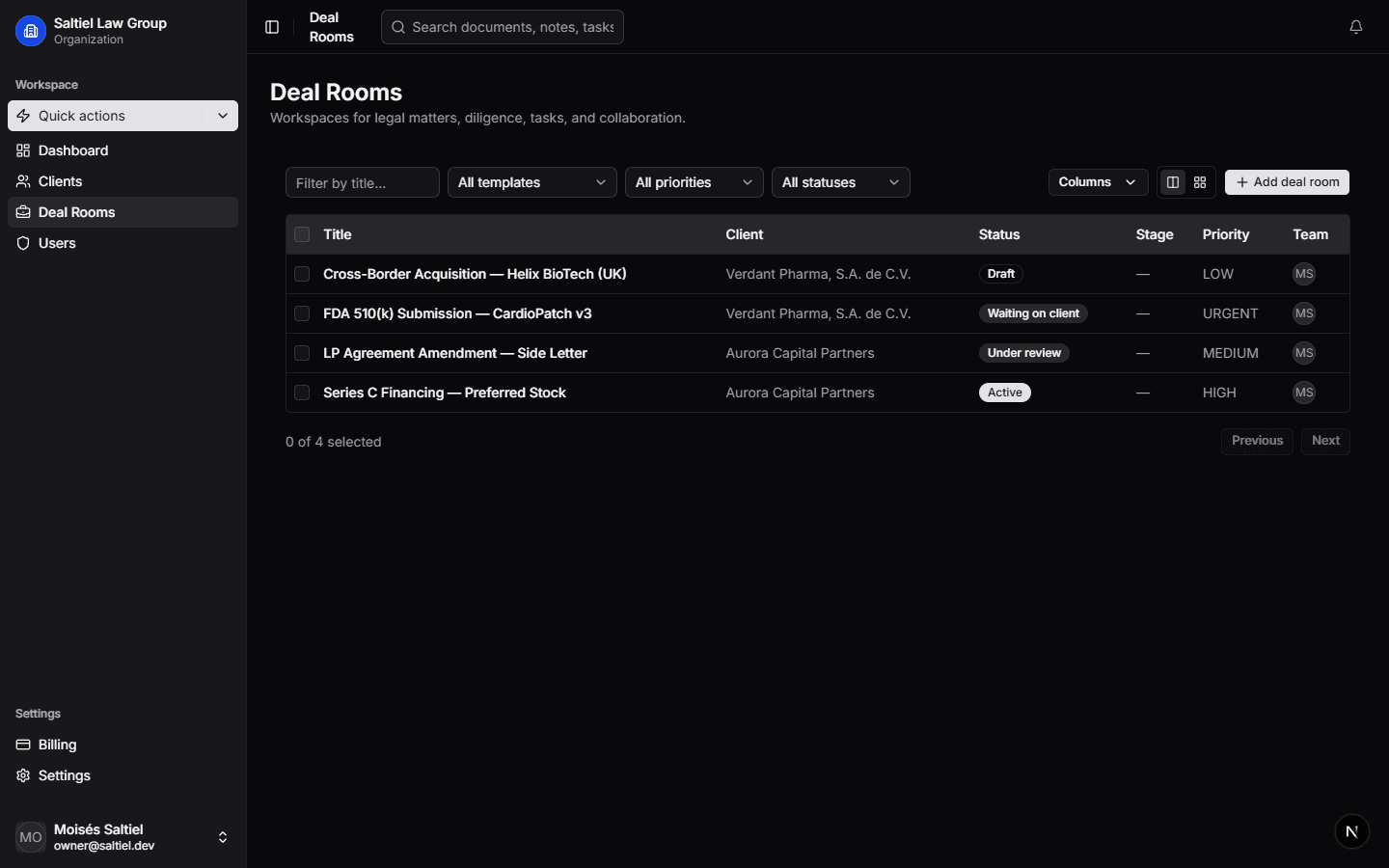
Lawden includes 6 system pipeline templates. When you create a deal room, the correct template — with stages, checklists, folder structures, and DD groups — is applied automatically.
- 6 system templates: Transactional, Investment, Corporate, Regulatory, Litigation, Planning
- Each template has 5–7 stages with transition rules between them
- Checklist items auto-assigned per stage with owners and due dates
- Folder templates structure your document hierarchy before the first upload
- DD groups pre-configured with relevant workstream items per deal type
- Templates are customizable per firm — adapt, don't start over
Key capabilities
Standardized, consistent deal processes from day one — without manual setup.
6 system templates
Transactional, Investment, Corporate, Regulatory, Litigation, and Planning. Each built with stages, checklists, and folder structures specific to the deal type.
Stage progression
Each template defines clear stages with transition rules. Deals move forward only when required steps at each gate are complete.
Folder templates
Pre-built folder hierarchies per deal type. Upload folders mirror the structure your team expects — no manual filing required.
Auto-applied checklists
When a new matter is created with a deal type, the matching checklist template is applied. Items, sections, and assignees pre-configured.
Related
Explore more features
Deal Rooms
Structured workspaces with pipeline stages, status tracking, and team permissions for every matter.
Due Diligence
Structured DD request lists, centralized Q&A, document review, and automated checklists — all in the deal room.
Document Management
Version control, smart folders, status workflows, and per-role access. Legal-grade document management.
Ready to transform your deal workflow?
Join hundreds of law firms using Lawden to close deals faster.